Almost everyone who misses a Canvas deadline had notifications switched on. That is the part worth explaining. It is not that Canvas says nothing — it is that Canvas says a great deal, about the wrong things, at the wrong speed.
One hundred and twenty-one categories
Canvas does not have a notifications setting. It has 121 of them. That is not an estimate: it is what the API returns for a real, currently enrolled student account. Each one carries its own delivery frequency — immediately, daily, weekly or never — and each is set per communication channel, so email and push can and do disagree with each other.
Nobody has been through 121 switches. Which means nearly every student is running whatever the defaults happen to be, and the defaults are not organised around coursework.
What arrives immediately
Sixty-seven categories on that account notify immediately. A fair sample of what qualifies as urgent:
| content_export_finished | immediately | A course export you asked for has finished zipping. |
| access_token_expiring_soon | immediately | An API token is nearing its expiry date. |
| canvasnet_migration | immediately | An administrative content migration ran. |
| appointment_group_published | immediately | A scheduler block was published. |
| rubric_association_created | immediately | A rubric was attached to something. |
None of that is wrong, exactly. A content export finishing is a thing that happened, and somebody once wanted to know about it. The problem is what it is competing with.
What does not
The categories describing your actual workload, on the same account, at the same moment:
| upcoming_assignment_alert | weekly | The one that warns you something is coming up. |
| assignment_created | weekly | An instructor added new work. |
| assignment_due_date_changed | weekly | A deadline moved. |
| grade_weight_changed | weekly | How much a whole category counts for was changed. |
| assignment_due_date_reminder | daily | A reminder, once a day, inside a digest. |
| new_discussion_entry | daily | Somebody replied in a thread — you hear up to 24 hours later. |
| assignment_submitted | never | No confirmation that your submission arrived. |
Read the two tables together and the shape of the problem is plain. Canvas will tell you the moment a content export finishes zipping, and tell you once a week that an assignment is coming up. A deadline moving — the single event most likely to cost you a grade — waits for the weekly digest. Whether your submission actually arrived is not notified at all.
Why fixing the settings is not enough
The obvious answer is to go and turn things up, and it is worth doing. It is also not sufficient, for three reasons that are structural rather than accidental.
The settings are per account, not per course. One switch governs every class you are enrolled in. You cannot say that discussion replies matter in the seminar of twelve and not in the lecture with four hundred people in it.
Turning things up produces noise, not signal. Set the coursework categories to immediate and they arrive alongside the sixty-seven administrative ones. Someone getting thirty Canvas emails a week stops reading Canvas emails, which is a worse position than the weekly digest they replaced.
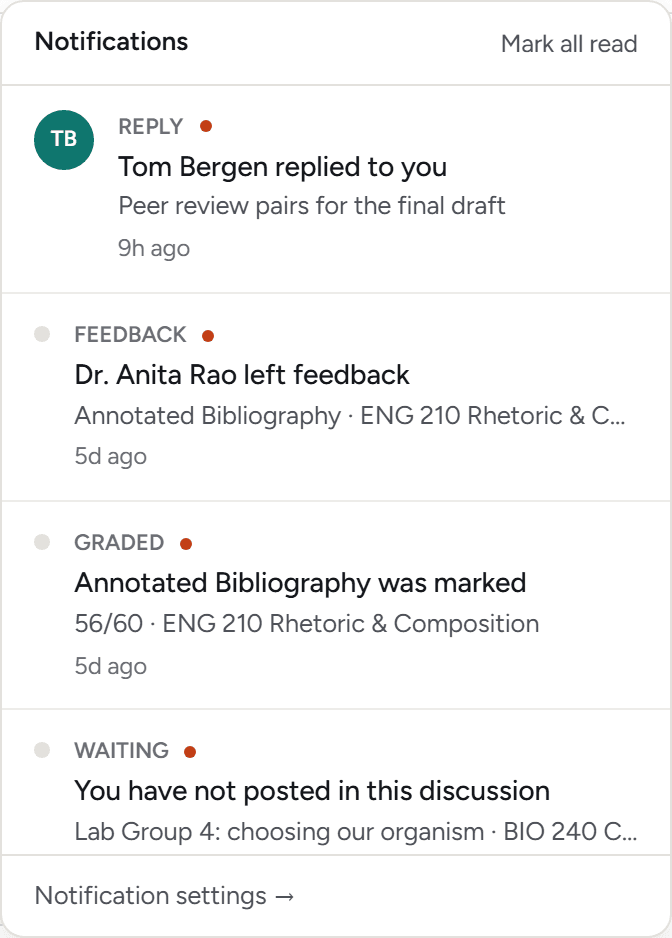
Every notification is about one event. This is the one no setting can address. Canvas notifies per assignment, per announcement, per reply. Nothing in it ever says four things are due in the same two days, because no single event is that fact. It exists only in the total, and the total is exactly what a stream of individual messages cannot show you.
What to actually do
Turn off what is not about your work. In Canvas, go to Account, then Notifications. Content exports, migrations, token expiry, appointment groups and rubric associations can all go to Never. This costs you nothing and makes whatever remains worth looking at.
Move the four coursework categories up. Assignment created, due date changed, due date override changed, and grade weight changed are the ones that alter what you actually have to do. Weekly is too slow for all four.
Check each channel separately. Settings apply per communication channel. A phone with push notifications and an email inbox hold two different configurations, and the mobile app has its own on top of that. Fixing one and assuming the other followed is the common mistake.
Do not rely on it for the week that matters. Even configured perfectly, notifications tell you about events one at a time. Weeks do not go wrong one event at a time.
Related
If a week has already gone wrong, what to do when you are behind is the more useful page. If something is already late, the penalty is probably not what the LATE label implies.